
Sidevoice

For AI agents

Less reading.
More thinking.

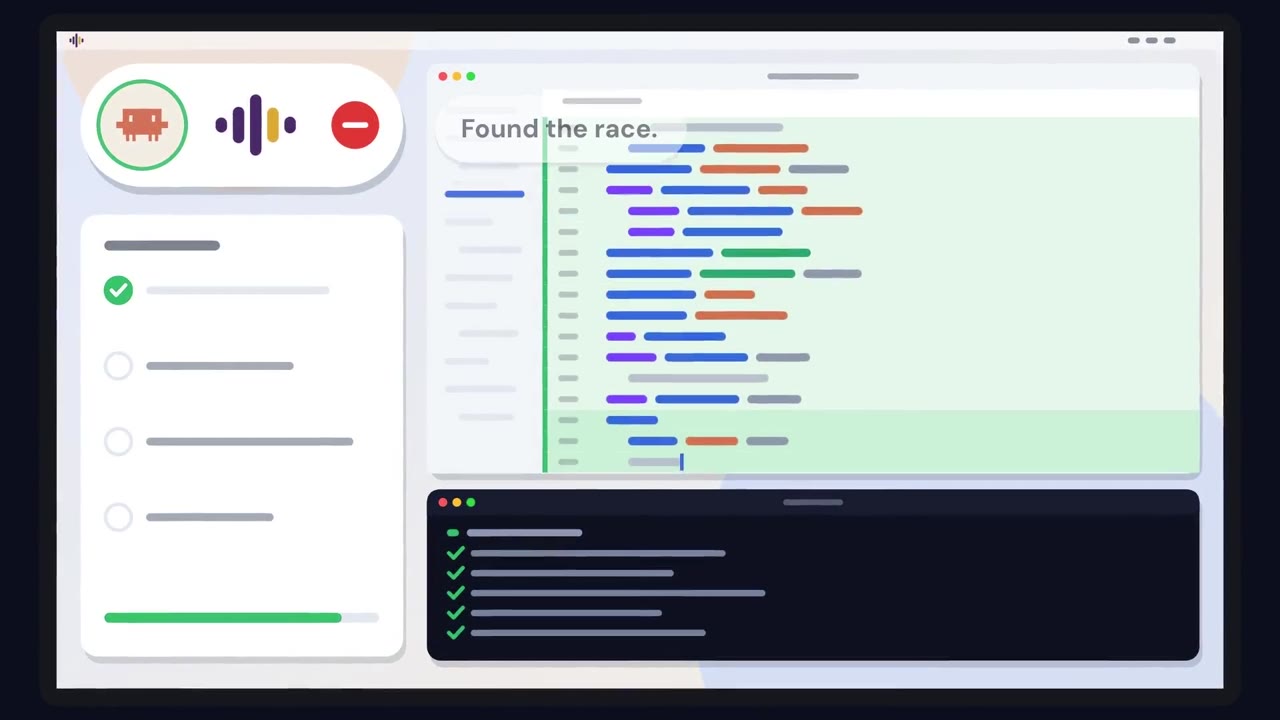
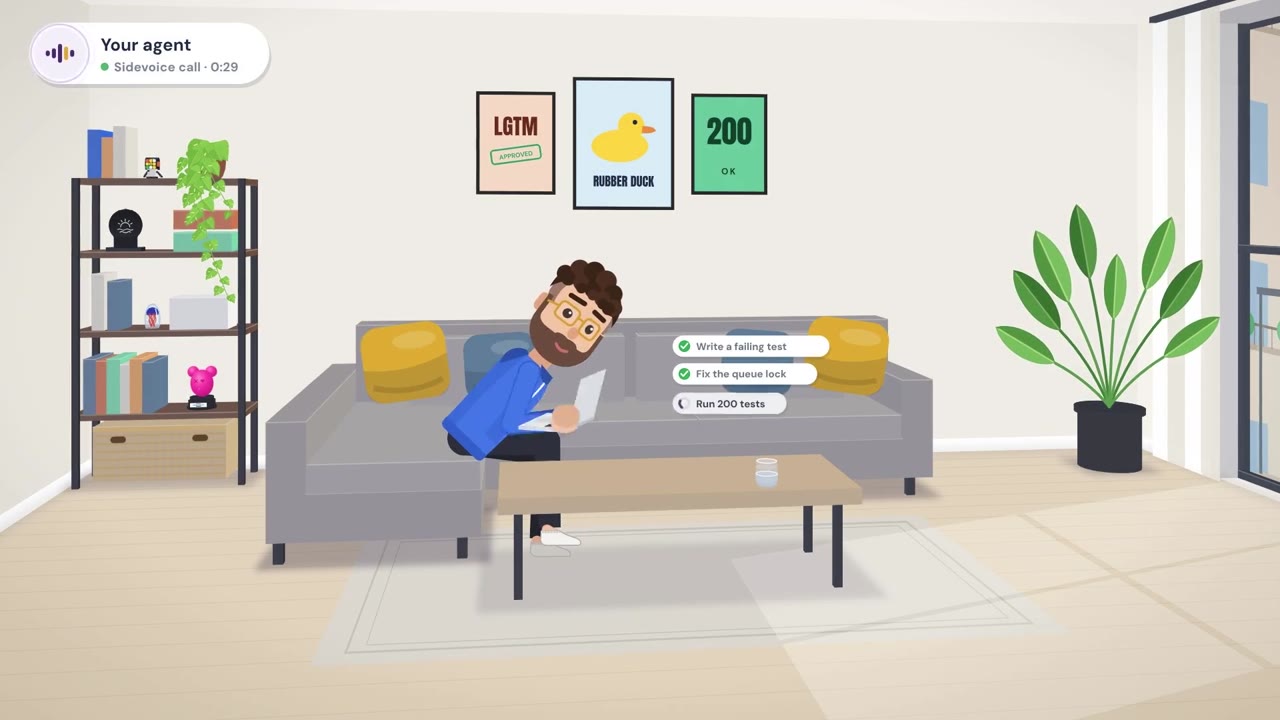
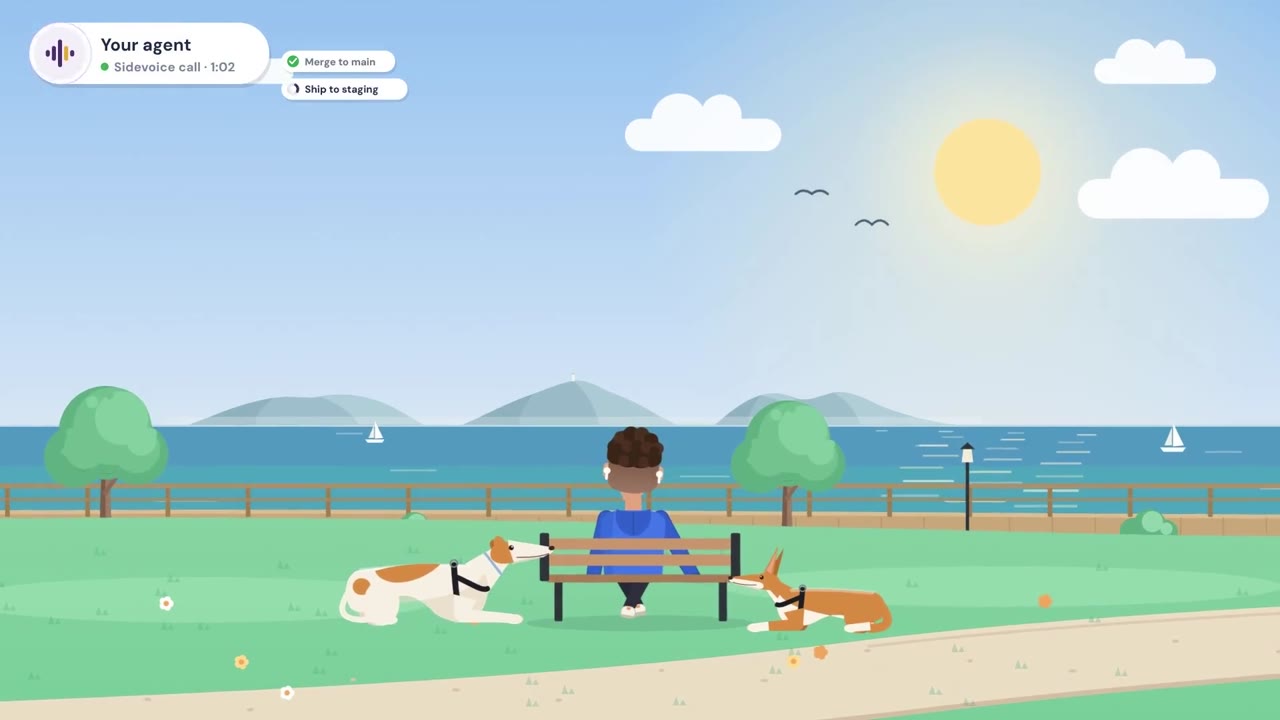
Your agent keeps its detailed work in writing. In a call, it explains what matters in a natural voice. Ask, interrupt and clarify without losing the thread.

SidevoiceGive your agent a voice.
Watch film 1:31

Give your agent a voice.

Keep the agent and session you already use. Any MCP-compatible agent can speak through Sidevoice.

  • Claude Code
  • Codex
  • Cursor
  • Gemini CLI
  • GitHub Copilot CLI
  • Cline
  • OpenCode
  • Any other MCP agent

Hear its explanation. Talk back with agents that can receive your words.

Swipe to compare all four features →

Voice features through Sidevoice
AgentAgent speaksYou speak backStop the audio you are hearing. The agent keeps working on its task; interrupting the audio does not change its instructions.Redirect or stop the agent's task while it is working. Your spoken instructions can change what the agent does next.
Claude CodeYesYesYesYes
CodexYesYesYesNo
CursorYesYes*YesNo
Gemini CLIYesNoYesNo
GitHub Copilot CLIYesNoYesNo
ClineYesNoYesNo
OpenCodeYesNoYesNo
Any other MCP agentYesNoYesNo

* To speak back to Cursor through Sidevoice, enable Cursor's beta features.

A voice that works your way

Written + spoken

Hear what matters.

Your agent explains the points that matter while its complete written response stays on the page. Follow the explanation at your own pace, then return to the detail or ask for more.

Agent responseUrban shade plan

Main point A citywide shade plan should start with the blocks where heat is highest and tree cover is lowest. Shade supports comfort and safety on everyday routes, while mature trees often provide benefits that young plantings take years to reach.

What to prioritize Protect existing mature trees first. Focus new planting on walking routes to transit, schools and clinics, choosing sites with enough soil, root space and water to support healthy growth.

How to measure it Compare canopy maps, local heat measurements and tree survival records to see whether shade reaches the neighborhoods that need it most. Keep forecasts distinct from observed results.

Practical next step Map the hottest, least-shaded routes, then review each candidate site with local maintenance teams before setting planting targets.

Long-term success Count the shade that lasts: track tree survival and access to cooler routes over time, and adjust care where young trees struggle.

More in the written response
Sidevoice

Here’s the key idea: shade is public health infrastructure. Start with the hottest streets that have the least tree cover.

Sidevoice

Then protect mature trees, choose viable planting sites, and plan the care that helps them survive.

Your level of detail

Conversation, your way.

A quick take before a meeting. A thorough walkthrough when you have time. Tell your agent how much to explain and when to pause.

Sidevoice

Open with the customer problem, show the strongest result, and ask to expand the pilot to two teams.

Hear it. Cut in.

Talk it through.

Interrupt to stop the voice and make room for your question. Steer to change what your agent is working on while it works. The conversation keeps its context.

Sidevoice, speaking

The recommendation is to expand the pilot, Interrupted here with a review after the next quarter.

Voice paused
You

Hold on a second.

Sidevoice, listening

Of course. What would you like to ask?

Every part is your choice

Choose your models.

Keep the model that powers your agent. Pick local models or cloud providers for transcription and voice, independently.

The local models you can use depend on your device's hardware.

Transcription model · STT
Local + more
WhisperParakeetMoonshineVoskwav2vec 2.0Canary
Cloud + more
OpenAIDeepgramGoogleAzureAssemblyAISpeechmatics
Your agent · LLM
Local + more
LlamaQwenGemmaMistralDeepSeekPhi
Cloud + more
ClaudeGPTGeminiGrokDeepSeekMistral
Speech model · TTS
Local + more
KokoroPiperVITSXTTSOpenVoiceStyleTTS 2
Cloud + more
ElevenLabsDeepgramOpenAIGoogleAzureCartesia

The little things in a good call

A conversation that gives you room.

Small controls help Sidevoice follow your pace and keep the call comfortable.

One call at a time

Pick up another conversation.

Switch between connected conversations on your device. Each keeps its own context, ready when you return.

Fewer false starts

While your agent speaks, a speech check helps keep short noises from becoming a new message.

Catch up on replies

Return to a conversation and hear recent replies you missed when their audio is available.

A voice for each language

Choose voices by language and set the speaking speed for the speech model you use.

A quiet sign of progress

An optional soft tone can let you know the agent is still working between spoken turns.

How it works

A simple path from your session to a voice conversation.

  1. Get Sidevoice

    Open Sidevoice on the device you want to talk from.

    Download SidevoiceComing soon*

    Stable app downloads are not available yet.

    Other devices and builds
  2. Sidevoice connects your agent

    The app installs the voice connection on the computer where your agent runs and shows when it's ready.

  3. Pair your device

    Choose how to get a one-time pairing code from the computer where your agent runs.

    Ask your agent

    Send this message in your agent’s chat:

    Give me a Sidevoice pairing code.

    or

    Use the terminal

    Run this on the computer where your agent runs:

    npx @sidevoice/uplink pair-device

    Enter the one-time code in Sidevoice under Machines → Pair.

  4. Talk

    Ask your agent to join the Sidevoice call once your device is paired.

    Connect this conversation to Sidevoice.

Two ways to connect

Direct connection

Free

  • Desktop and mobile apps
  • Agent connector and voice pipeline included
  • Connect your devices directly
  • Local voice models or your own providers
  • Open source · Apache-2.0
  • Free forever

Waitlist unavailable

Remote Access

Coming soon

Paid service. Pricing announced before launch.

  • Find your devices wherever you are
  • Direct device-to-device connections when possible
  • End-to-end encrypted relay when networks block direct connections
  • Cancel anytime
Check waitlist status

Remote Access · waitlist unavailable

Connect from anywhere.

Reach your agent beyond your network without handling connection setup. Remote Access will connect your devices directly when possible, with an end-to-end encrypted relay when needed. Waitlist sign-ups are unavailable.

Your agent keeps working. You stay in the conversation.

Hear when Remote Access launches.

What is the highest monthly price you would pay for Remote Access? (required)

For managed connection setup and an end-to-end encrypted relay when needed. Your answer isn’t a commitment to buy.

Help us shape Remote Access (optional)
Which agents would you use with Sidevoice? (optional)

Waitlist sign-ups are unavailable right now. Please check back here for updates.

Confirm your email, then receive one launch announcement. Unsubscribe anytime.

Questions

Is Sidevoice free?

Yes. The desktop and mobile apps, connector and voice pipeline are open source under the Apache-2.0 licence. Connecting your devices directly is free. Remote Access adds calling beyond your network without handling connection setup yourself; check waitlist status.

How is this different from the voice features agents already have?

Sidevoice gives your existing agent a conversational voice. Its detailed work stays written; it can explain that work aloud in different words, take questions and handle interruptions. Any MCP-compatible agent can use Sidevoice's voice tools. Pairing and spoken follow-ups work with agents that can receive your words in their existing conversation. You can choose local speech models or supported providers with your own key.

Which agents does it work with?

Any MCP-compatible agent can speak through Sidevoice. Spoken follow-ups and steering depend on its input connection. See the agent compatibility table for each feature.

Does my audio leave my machine?

You choose where speech is processed: on your machine or device, or with a provider you pick using your own key. A direct call connects to your machine without passing through a Sidevoice relay. Remote Access uses end-to-end encryption, so only your devices can read the conversation in transit.

Can Sidevoice's servers read my conversations?

No. Our servers cannot read your call content by design. The Sidevoice app and connector process calls on your devices. Your devices connect directly when possible; if Remote Access needs a relay, it carries end-to-end encrypted traffic. Cloud speech providers you choose receive the audio or text needed for speech, and your agent handles what you send under its own terms. Read our privacy note.

Do I have to read the agent’s response?

You can work by listening and speaking without reading. Your agent’s full written response remains available whenever you want the detail.

Which devices can I use?

Sidevoice is available as desktop and mobile apps. Use the app on your computer or phone to talk with your agent.

What will Remote Access add?

Reach your agent beyond your network without handling connection setup. Remote Access connects your devices directly when possible and uses an end-to-end encrypted relay when needed. Direct connections remain free. Check waitlist status.